
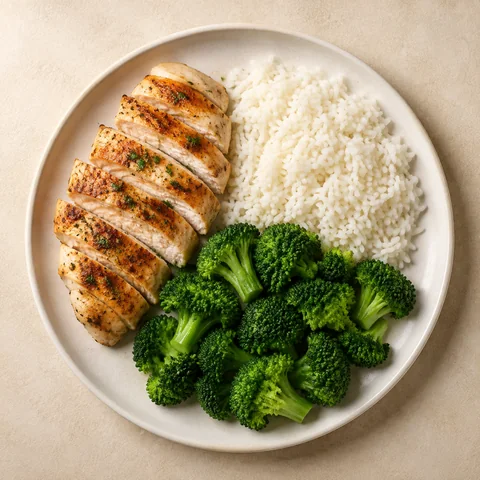
Fast
A result in about four seconds, a saved entry in about twenty. The whole first run, from install to first logged meal, is built to take under three minutes.
A little less logging. A little more life.
CalorieCounter is an AI calorie counter for iPhone. Snap your plate, check the estimate, and get back to the good stuff, with a little help from a banana.
Photograph the plate and CalorieCounter names the foods, estimates the portions, and returns calories and macros in about 4 seconds. Each item is labelled Pretty sure, Best guess, or Check this, so you know where to look. Adjust anything that is off, then save. No ingredient-by-ingredient detective work.
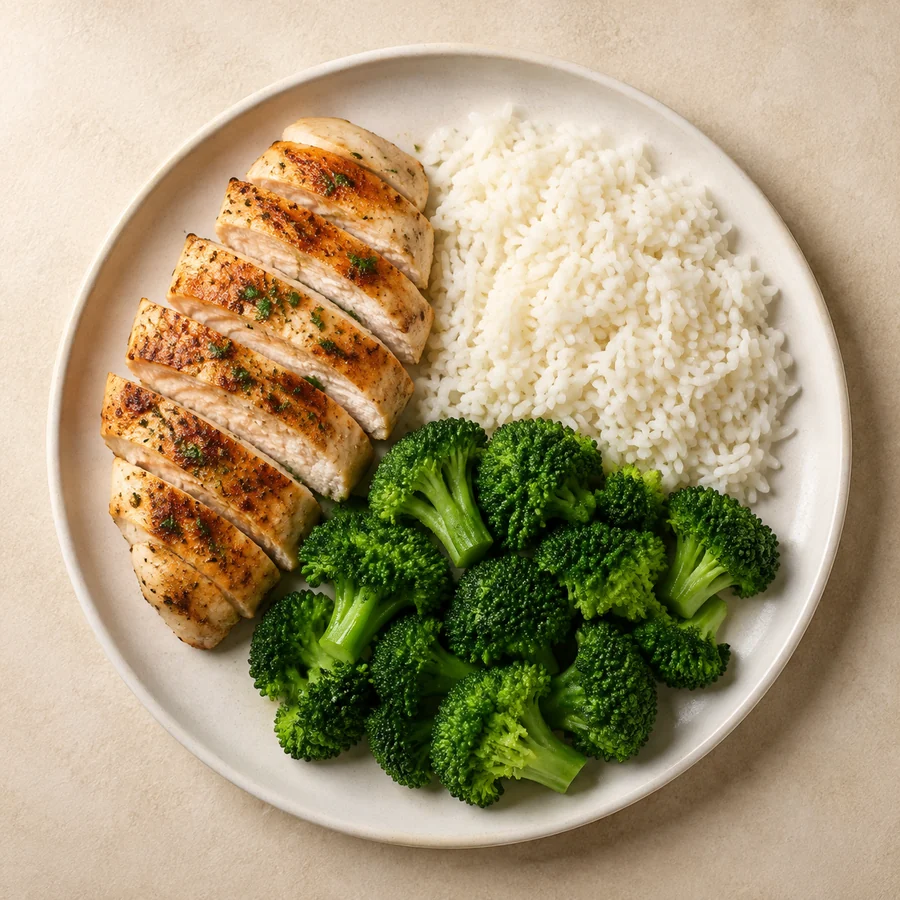
Give it a go. Scan this lunch and see how easy a little clarity can be.
Interactive sample · no camera needed
Slide to adjust. Every estimate is yours to fix.
620 kcal added to your sample diary. Now, back to enjoying your day.
Just a demo. Nothing is saved to your account.
Three promises
Three promises this app is built around. Logging a meal should take seconds, not minutes. An estimate should tell you how sure it is instead of hiding behind one accuracy number. And the part you use every day, barcode, search and quick add, should stay free permanently.
A result in about four seconds, a saved entry in about twenty. The whole first run, from install to first logged meal, is built to take under three minutes.
Every item shows how sure we are, in three plain words. A wrong number looks wrong instead of authoritative, so you know exactly where to look.
Try it.
Change grams, swap an item, move the meal to another slot. Two taps, without leaving the screen, and Peel remembers the fix for that food next time.
02 — Made for your everyday
Calories and macros, weight trends, water, barcode scanning, voice logging, Apple Health, Siri and your full diary history, in one place. Most of it is free forever. What you log stays on your phone and on your account, and it is never sold or used to target ads.
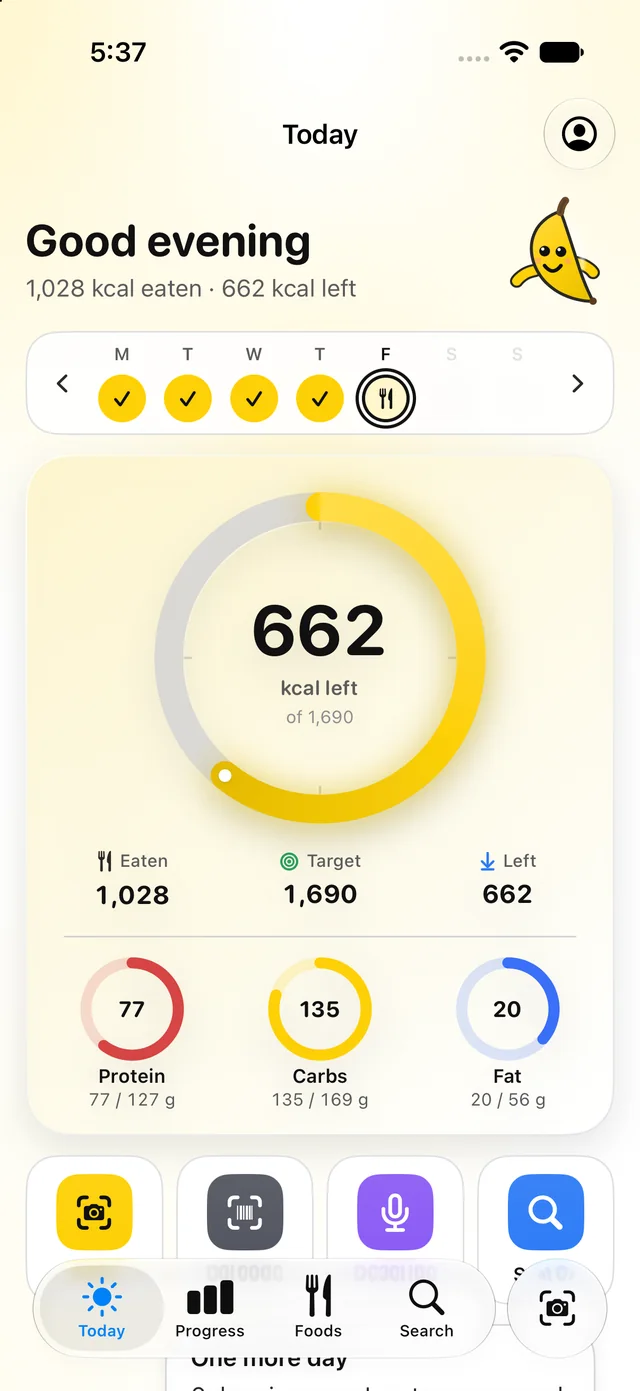
Eaten, target, and what is left, with protein first. The ring fills as you log and glows when you land it.
Point at the pack. Free, unlimited, forever.
Voice or text, parsed on your phone. Works on a plane.
A smoothed line, so one salty dinner never looks like a setback.
Reads weight and activity. Writes what you ate, if you ask it to.
Nothing on this list ever moves behind a paywall. Two photo scans arrive every midnight.
Log from the Lock Screen. See the ring without opening the app.
Check the privacy label on the App Store before you install. There is no “Data Used to Track You” section, because the app does not track you.
Go deeper
The short version is above. These nine pages are the long versions: how a photo becomes a meal, exactly what stays free, how barcode scanning resolves to nutrition data, a calculator that runs the same maths as the app, how the category’s accuracy actually measures up, how to leave MyFitnessPal, how to start without a scale, and the blog.
What happens in the four seconds after you tap the shutter, what Pretty sure and Check this mean, and where a photo is the wrong tool.
Read it 02The list that never moves behind a paywall, a day of logging on the free plan, and the honest comparison with Premium.
Read it 03Packaged food in about a second, where the numbers come from, and what happens when a product is not in the catalog yet.
Read it 04How many calories a day, worked out with the same maths the app uses to set your target. Four smaller tools break it apart: BMR, TDEE, macros and protein.
Work it out 05How CalorieCounter compares with MyFitnessPal and Cal AI, with every price dated and every claim linked. Written by us, and it says so.
Read it 06How to get your data out, what the 3 export files hold, and how to cancel on the right platform. Written from MyFitnessPal's own help pages.
Read it 07What the measured research says about photo estimates across the category, why portions are the hard part, and where fat goes missing.
Read it 08A ladder of lighter versions, from photographing meals to weighing them, so you can pick the rung you will actually keep doing.
Read it 09Nutrition research read the way a scribe reads a chart, plus notes on logging and food data. Written by Alen Yaco.
Read itPlates, packs, bowls, leftovers. Bananas, apparently.
03 — A little personality
Peel is the banana who lives in the app, explaining each screen in one plain sentence and pointing out the calories people forget, like the oil in the pan. Part food translator, part hype banana. A banana, because a banana is 105 calories and everybody knows it.
A banana of many moods. Pick one.
04 — A home for your habits
Built for iOS 26 and nothing else, so it behaves the way an iPhone app should: Dynamic Type, dark mode, haptics, Siri, widgets and Apple Health. Five screens do the work. Today, Insights, Weight, Describe and Water. Take a look around.
05 — Good habits, fair prices
Free is free permanently: barcode, search, quick add, voice logging, full history and export, plus 2 AI photo scans a day. Premium is $11.99 a month or $49.99 a year with a 7-day trial, and raises photo scans to 60 a day. No ads on either.
$0forever
The whole logging loop, unlimited.
$49.99 per year
Just $4.17/month, billed annually. 7 days free.
The annual plan starts with a 7-day free trial, then renews at $49.99 a year until you cancel in Settings › Apple Account › Subscriptions. Monthly is $11.99 with no trial. Prices in US dollars; Apple sets local prices. Everything you logged stays yours on Free.
Questions
Still curious? Say hello ↗
Soon, on the App Store for iPhone. The waitlist gets the link the day it is live, and nothing else: no newsletter, no reminders. and we will see you at launch.
Sure enough to show its work. Every item on a result carries one of three labels: Pretty sure, Best guess, or Check this. We never publish an accuracy percentage, because one number would hide the meals it gets wrong. When a label says Best guess, tap the item and fix it in two taps. The correction is remembered for that food. How photo logging works.
Photos are stripped of location and device metadata on your phone before anything leaves it. They go to Google Gemini to estimate calories, are kept for 30 days, and are never used to train Google’s models. You can turn photo analysis off in Settings and keep logging by barcode, search, voice, or text.
Yes, forever. Barcode, search, quick add, custom foods, voice and text describe, your whole diary history, weight, and export never move behind a paywall. Free includes two AI photo scans a day, which reset at midnight. Everything that stays free.
Up to 60 scans a day, a second look at uncertain meals, the full weekly report every Sunday, recipes you can create and edit, Apple Health write, 30, 90, and 365-day insights, one automatic streak freeze a week, and targets that adjust to your weight trend. $11.99 a month or $49.99 a year, with a 7-day free trial on the annual plan.
No. There is no advertising SDK in the app, no App Tracking Transparency prompt, and no data sale. The App Store privacy label has no “Data Used to Track You” section. Analytics are opt-in and stay off unless you switch them on in Settings.
USDA FoodData Central is the backbone, with packaged foods from © Open Food Facts contributors and anything you add yourself. Every catalog row shows its source. How barcode logging works.
Any iPhone running iOS 26 or later. Barcode reading and text describe work offline; photo scans need a connection.
Any time. Subscriptions are managed by Apple in Settings, and everything you logged stays yours on Free. Export and account deletion live inside the app under Settings › Privacy.
Your next small win starts with a snap.
Coming soon to the App Store · iPhone, iOS 26 or later · Free logging, forever
Coming soon to iPhone
Leave your email and you get the App Store link the day CalorieCounter is live. One email, nothing else.
No spam, no sharing. Reply “stop” to any email and you are off the list.
You are in
We will email the day it is live. Until then, Peel says hi.